 Squish: Video Compressor
Cinema-sized video.
Message-sized file.
A quality slider, not a bitrate. See the size before you squish, on your phone.












what it does
Pro tools. No pro fuss.
more options
Fine-tune quality by feel
Slide between smaller file and higher quality.
resolution
1080p, 720p or 480p
Keep the original, or step it down.
quality
Three presets, size shown live
Small, Balanced or High. Max with Pro.
all at once
A whole batch, one tap
Sort by Largest, pick, squish them together.
nothing uploaded
Rendered on your phone
No account, no cloud, no queue.
afterwards
Your space back
Delete the originals in one tap.
No watermark. No size cap. No ads. Nothing uploaded.
in the store
Eight frames, the new light look, your language.
The App Store and Google Play sets, as of 12 November 2026, showing the white light theme that arrived in 1.10. Each listing shows the app in its own language: English, German, Spanish, French, Portuguese, Italian, Japanese, Turkish and Indonesian.
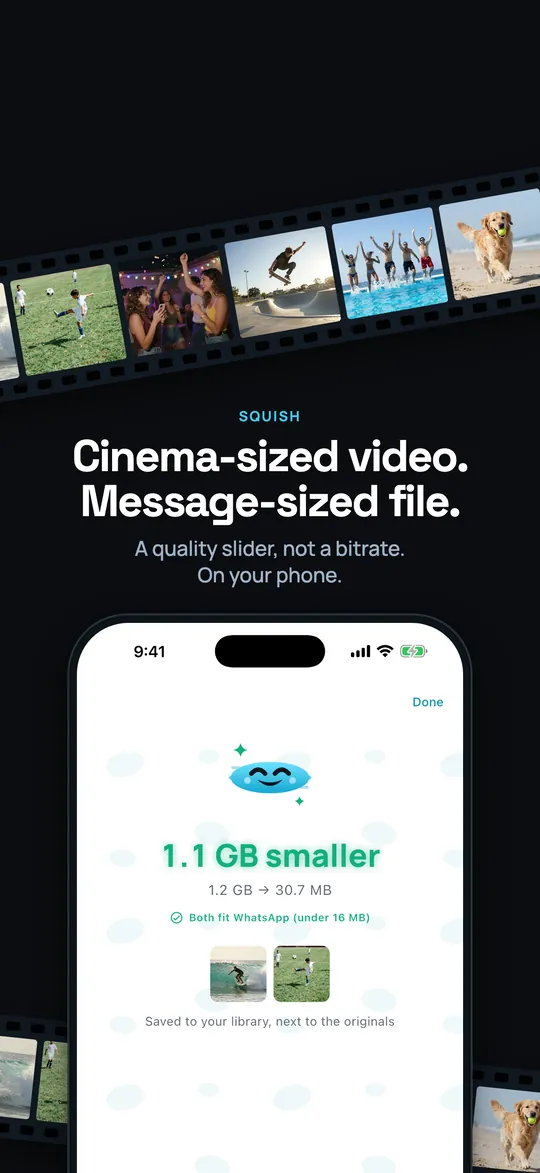
01 · The strip 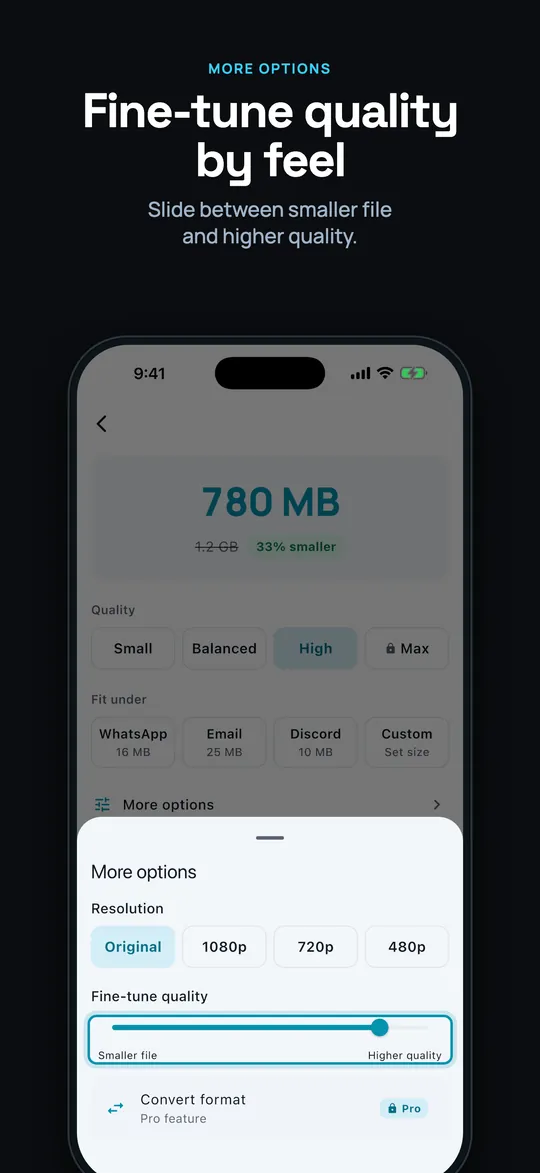
02 · The slider 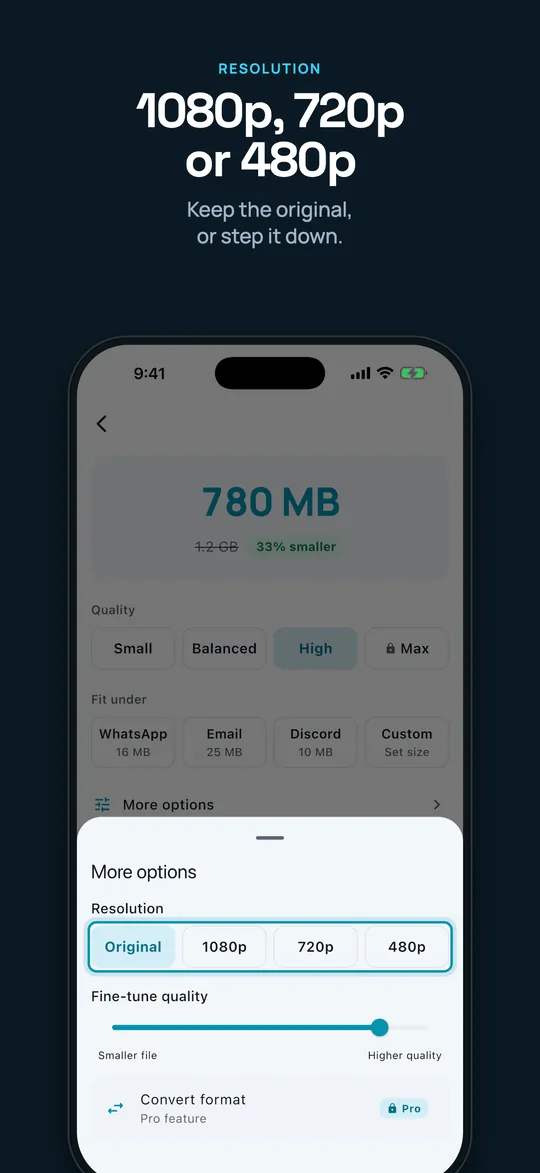
03 · Resolution 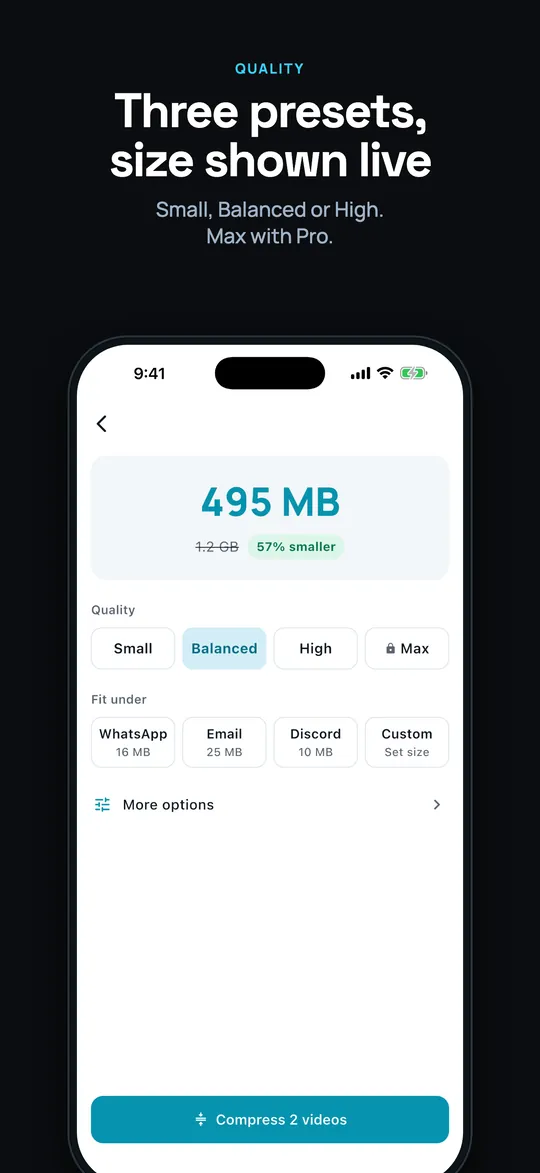
04 · Presets 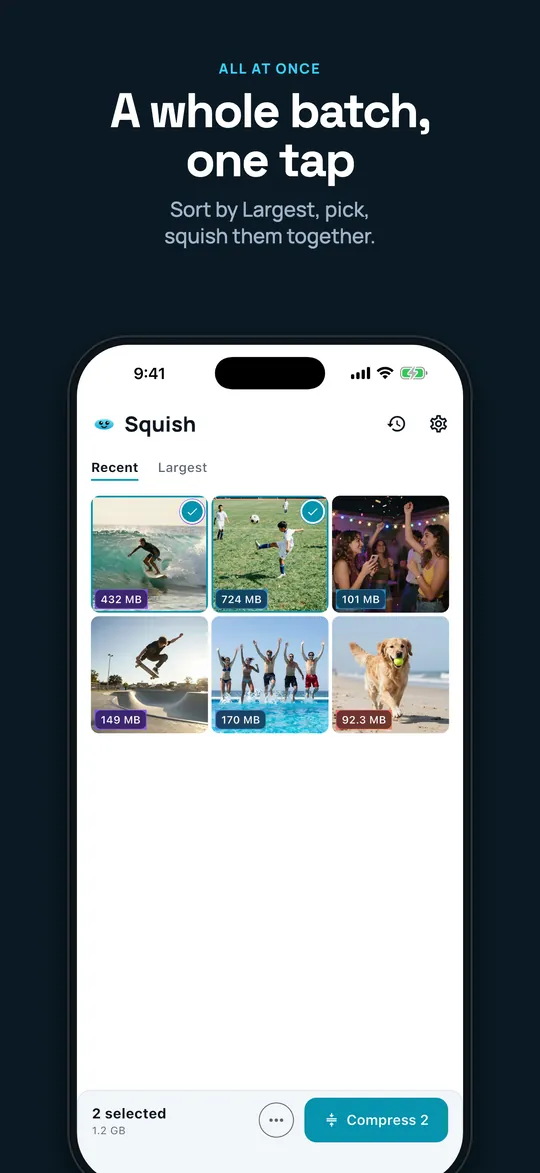
05 · Batch 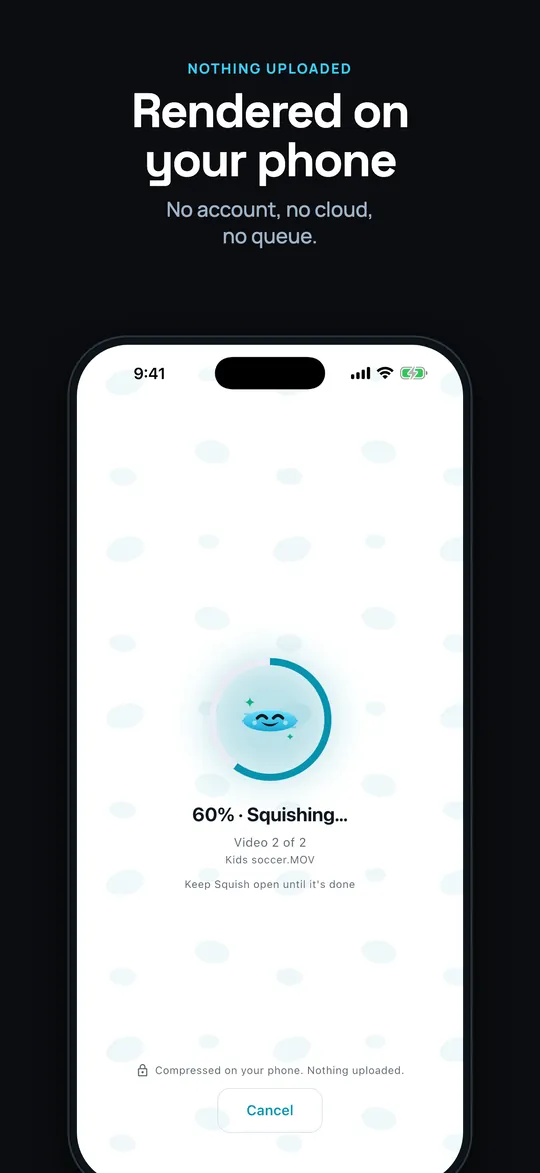
06 · Compressing 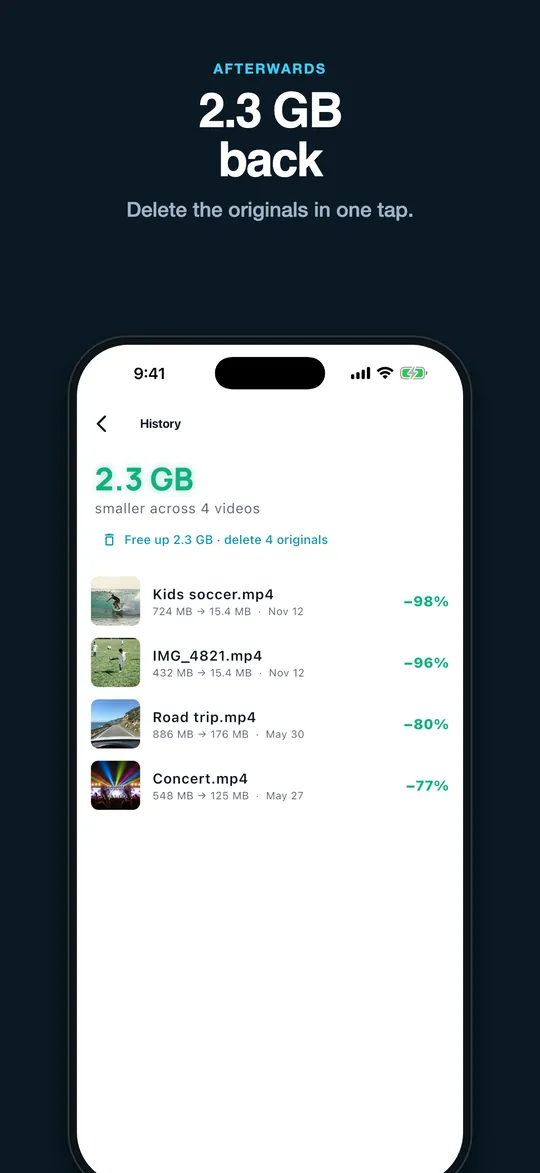
07 · History 
08 · Closing
About Squish
See exactly how small a video will get before you compress it. One calm screen: pick Small, Balanced or High, or where it's going (WhatsApp, Email, Discord or a size of your own), and the new size updates live. Squish remembers your choice for next time. Then squish, up to three at a time for free and any number with Pro, and keep the date and location on the result. Every video in a batch gets its turn: if one can't be squished, the rest carry on, and if Squish is interrupted, it picks up where it left off.
Squish is honest about space: it shows what got smaller and what you have actually freed, and frees it in one tap when you delete the originals. Home keeps a running total of everything you have freed. New in 1.12, ask for a nudge and Squish tells you once when new videos pass a size you choose, then opens with them already picked and the saving worked out. No watermark, no size cap, no daily limit, no ads, and nothing is uploaded: it all happens on your phone.
Squish Pro adds batches of any size, Max quality and MP4, MOV and GIF conversion: yearly with a free trial, monthly, or one payment for good. And it speaks your language: English, Spanish, German, French, Portuguese, Italian, Japanese, Turkish and Indonesian, with sizes written the way your language writes them.
More from Mental Metal
 Hot Flash DiaryDear diary, a tap is all it takes.
 Wharf WODThree. Two. One. GO.
 NightwiseYour CPAP nights, explained.
 ChurnieThe bonus game, won.
 LogletRemembers, so she doesn't have to.
Got an app in you? We design, build and ship small, fast apps for phones, tablets and wrists.
Work with us